Most businesses reach a point where the software they rely on starts working against them. A spreadsheet that once tracked everything becomes fragile and slow. A generic SaaS subscription forces your team to bend their process around someone else's assumptions. And the "almost right" off-the-shelf tool still leaves gaps that get filled with manual work-arounds. When that happens, a custom desktop application built around how you actually operate can pay for itself surprisingly fast.
At SR Infobiz, one of the things we do is design and build tailor-made desktop software that runs natively on Windows, macOS and Linux. We build these apps with ElectronJS, and in this article we want to show you what that means in practice, what kinds of software we cover, and a real example of what we ship.
Why a desktop app instead of a website?
Not every problem is best solved in a browser tab. A desktop application installs on your team's machines and keeps working whether or not the internet does. That matters a great deal for a shop floor, a clinic reception, a warehouse, or a retail counter, where a dropped connection should never stop you from billing a customer or recording stock. Desktop apps also get direct, fast access to the local file system, printers, barcode scanners and other hardware, and they keep sensitive business data on your own machine rather than on a third party's servers.
The classic downside used to be cost: building separately for Windows and Mac meant two codebases and two teams. That is exactly the problem Electron solves.
How we build with ElectronJS
Electron lets us build one application from a single codebase and ship it as a native installer for Windows, macOS and Linux. Under the hood it pairs a modern web-technology interface with a full desktop runtime, so we get the speed and polish of a well-designed web UI together with real operating-system capabilities like local databases, background jobs, file access and auto-updates.
In practice this means you get a genuinely cross-platform product without paying to build it three times, a familiar and responsive interface your team can learn quickly, and an app that can run fully offline while still syncing to the cloud when you want it to. It also means updates can be pushed out cleanly, so every machine stays on the same version without anyone manually reinstalling anything.
What kinds of software we cover
We focus on the operational software that businesses run every day rather than throwaway one-off scripts. Common examples include point-of-sale and billing systems, inventory and stock management with multi-branch support, and back-office tools that handle payments, receivables and collections. We also build reporting and analytics apps that export clean Excel workbooks and PDF documents, licensing and access-control layers, and internal dashboards and workflow-automation utilities that replace fragile spreadsheets.
If your business depends on a process that currently lives in a mix of spreadsheets, manual steps and disconnected tools, that is usually a strong candidate for a purpose-built desktop app.
A real example: NutriTrack Pro
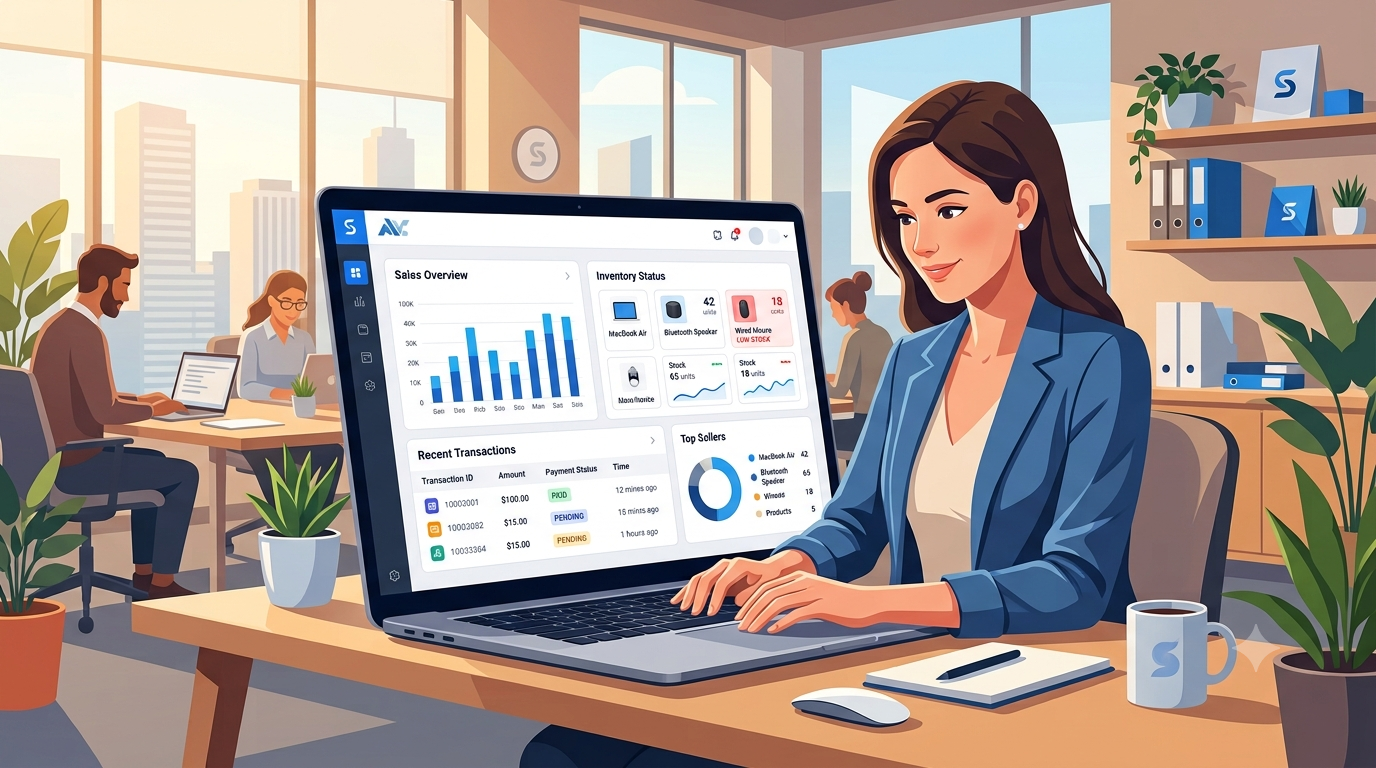
A good way to make this concrete is to look at something we actually built. NutriTrack Pro is a production desktop application that runs the day-to-day operations of multi-branch gym and nutrition supplement stores — inventory, billing, payments and reporting — entirely offline on the shopkeeper's own machine.
It handles multi-branch inventory with weighted-average cost tracking, stock transfers and low-stock alerts; a full point-of-sale with editable sales, line-item and order-level discounts, and customer management; and payments and receivables including partial payments and pending-balance tracking. On the reporting side it produces a detailed multi-sheet Excel workbook covering stock, sales, purchases, transfers, payments, receivables and profit, plus PDF exports.
Just as important is the plumbing that keeps it trustworthy: automatic backups on launch and on a schedule with cloud sync, machine-locked licensing, a PIN lock screen, and a security model that keeps the interface safely separated from the database. From that single codebase it builds installers for Windows, macOS and Linux — the same product, everywhere.
How a project works
Every engagement starts with understanding your process, not our technology. We run a short requirements and specification stage to map how your business actually works, then build in agile cycles with regular check-ins so you see progress and can steer as we go. Automated testing and a proper build-and-release pipeline keep quality high, and once you are live we offer ongoing maintenance and support so the software keeps pace with your business.
Thinking about a custom app?
If your team is fighting spreadsheets, paying for software that almost fits, or losing time to manual work-arounds, a tailor-made desktop application may be the more sensible long-term investment. Tell us about your process and we will put together a proposal that fits your goals and budget. You can reach us through our contact page for a free, no-obligation consultation.